MSP Tools app icon

Documents · Android

MSP Tools

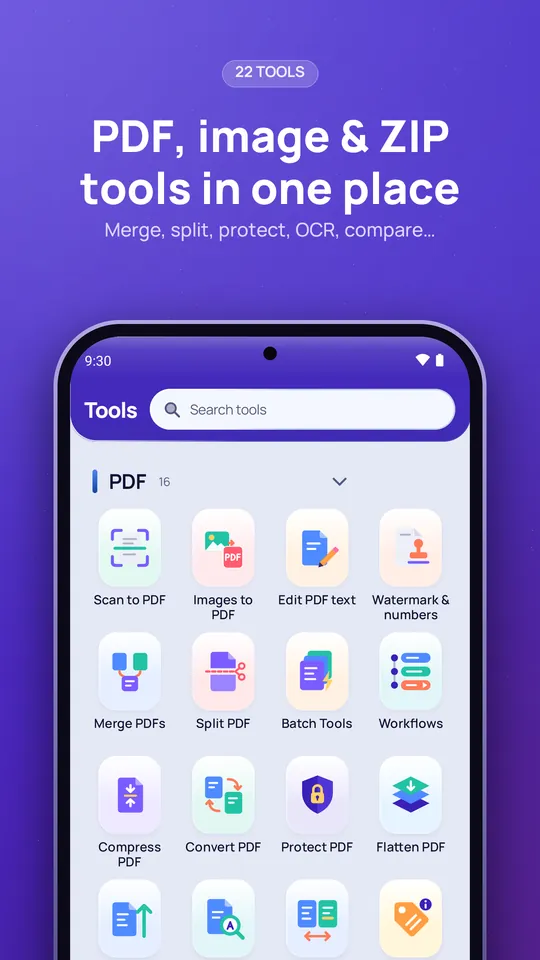
Twenty-two PDF, image and ZIP tools in one app — scan, edit, sign, compress, convert and protect documents, and make application photos and signatures to the exact size a form asks for.

Google Play — coming soonPrivacy policy

What it does

Scan and create

Turn paper and photos into clean PDFs.

  • Scan to PDF with Google's document scanner, from the app, a Quick Settings tile or a home-screen shortcut
  • Images to PDF with a page layout editor and saved drafts
Edit, sign and fill

Work on a PDF without leaving your phone.

  • Edit existing text, add text, images, links and shapes
  • Annotate, sign, redact and fill forms
  • Watermarks, page numbers and document details

Organise

Put pages and files in order.

  • Merge and split PDFs
  • Rotate, reorder, duplicate and extract pages
  • Batch tools for many PDFs, and saved workflows that chain steps

Size and convert

Meet upload limits and change formats.

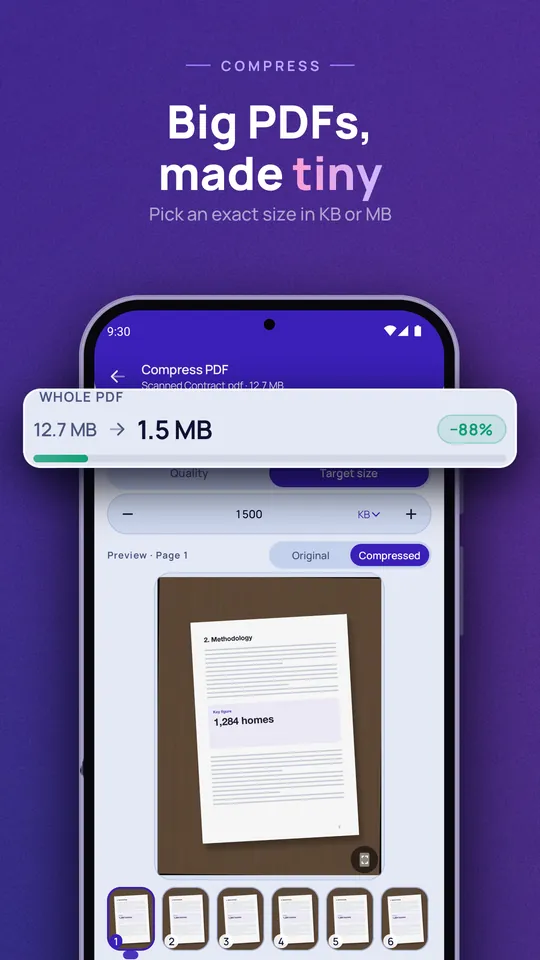
  • Compress a PDF by quality or to a target size in KB or MB
  • Increase a PDF's or image's file size when a form sets a minimum
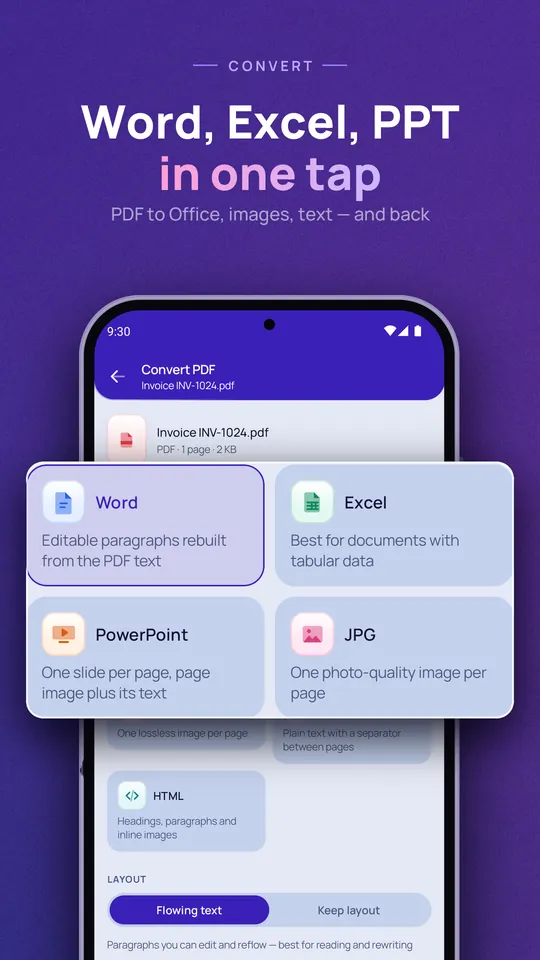
  • Convert PDFs to and from Word, Excel, PowerPoint, images, text and HTML

Protect and read

Keep documents private and find what's in them.

  • Password-protect or flatten a PDF
  • Recognise text in scans (Latin and Devanagari scripts) and search inside PDFs
  • Compare two PDFs; app lock and per-document lock

Application photo & signature

A guided camera that checks framing, face position and lighting while you take the photo, then sizes it for the form.

  • Change the background, crop, enhance and resize
  • An image editor and batch photo tools
  • Create password-protected ZIPs (AES-256) and unzip files

Privacy at a glance

Your documents are processed on your phone

No internet permission
MSP Tools does not request Android's internet permission, so it cannot send your files anywhere. Scanning, editing, compressing, converting, text recognition and photo checks all happen on your phone.
No AI, no cloud
There are no AI or cloud features. MayaShilp runs no servers that receive your documents.
No accounts, ads or analytics
Nothing to sign up for, and no advertising, analytics or crash-reporting SDK. Google ML Kit's diagnostics library is included but cannot send anything without internet access.
Face checks aren't recognition
The photo guide measures position, angle and whether eyes are open. It does not identify anyone and stores nothing.

Read the full privacy policy

Screens

Google Play store images, shown with sample documents.
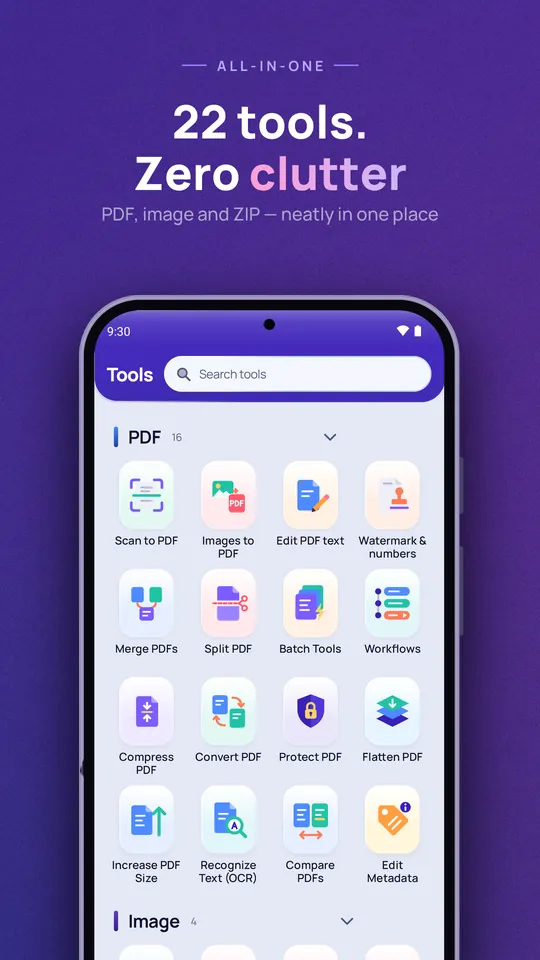
22 tools, zero clutter: the Tools screen listing PDF tools such as Scan to PDF, Merge, Split and Compress Big PDFs, made tiny: compressing a 12.7 MB PDF to 1.5 MB Word, Excel, PPT in one tap: choosing an output format in Convert PDF PDF, image and ZIP tools in one place: the full tools grid